Contact List, Appointments, Task Manager, Note Manger, Daily Journals, Expenses Manager, Document Manager, Customer Data Management, Address Book and much more!
No need to learn database concept, such as data type and master-detail relationship.
Save money on various softwares to keep different informtaion. es-Builder already allows you to keep all data in one place.
es-Builder allows you to keep all of your information in an easy-to-use layout, where you can quickly find what you need. With es-Builder, creating your own freeform database from scratch and getting organized couldn't be easier...
 Book Screen
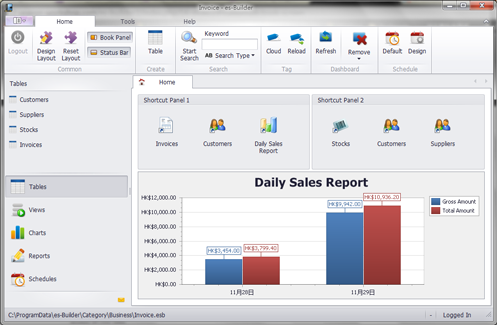
You can customize your main Book screen. Make shortcuts and add dashboards to the Book screen. It is an easy way to access all your data.
Book Screen
You can customize your main Book screen. Make shortcuts and add dashboards to the Book screen. It is an easy way to access all your data.
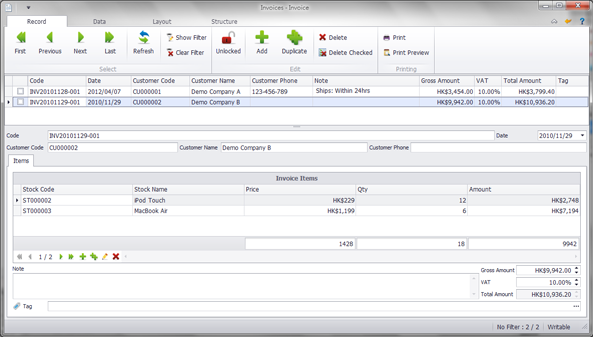 Table Main Screen
Fully customizable table screen allows you to build your own input screen. Searching, sorting and grouping data becomes an easy task now.
Table Main Screen
Fully customizable table screen allows you to build your own input screen. Searching, sorting and grouping data becomes an easy task now.
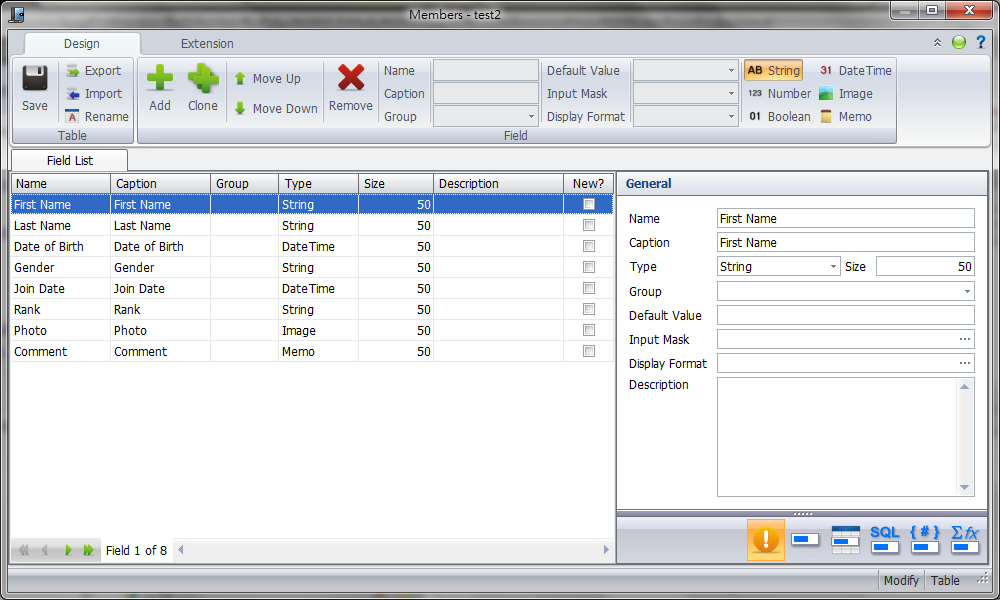 Design Table
It is very easy to design a table without programming knowledge. There are 5 extensions of the field to make it more functional.
Design Table
It is very easy to design a table without programming knowledge. There are 5 extensions of the field to make it more functional.
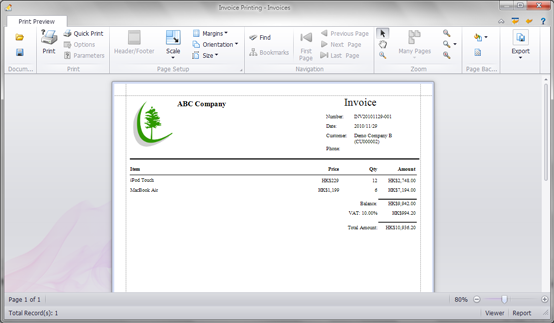 Design Report
Use the powerful report designer to design your own report. You can also export the report to other format, such as PDF, HTML and Excel.
Design Report
Use the powerful report designer to design your own report. You can also export the report to other format, such as PDF, HTML and Excel.
 Design Chart
Use the powerful chart designer to design your own chart. There are more than 40 chart types available.
Design Chart
Use the powerful chart designer to design your own chart. There are more than 40 chart types available.
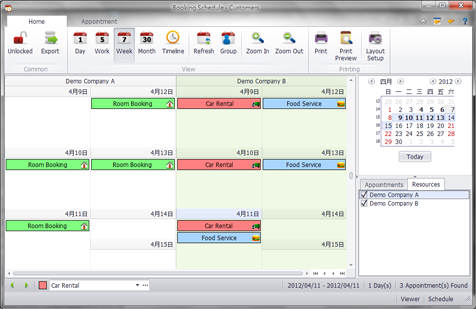 Design Schedule
Make a resources schedule to keep everything in sight. This resources could be your staffs, customers, suppliers and even stocks. It is possible to turn it into a simple sales, rental and roster system.
Design Schedule
Make a resources schedule to keep everything in sight. This resources could be your staffs, customers, suppliers and even stocks. It is possible to turn it into a simple sales, rental and roster system.
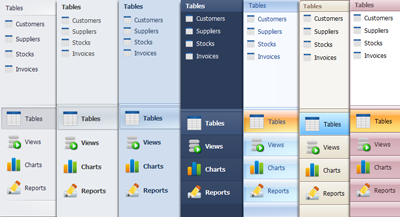 Stylish Theme
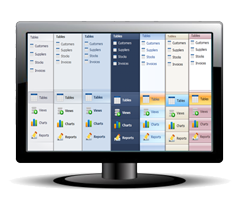
There are 20+ stylish themes available. What are you waiting for? Download it now.
Stylish Theme
There are 20+ stylish themes available. What are you waiting for? Download it now.







Copyright © 2007-2024 Season Workshop. All Rights Reserved.